Bose Soundlink Battery Replacement
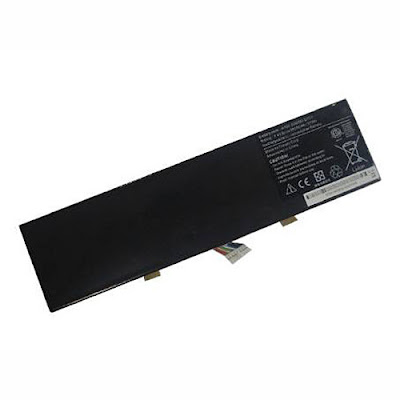
If your SoundLink exhibits significantly decreased battery life or no longer takes a charge, you may need a new battery. In this guide, you will learn how to open up your Bose Soundlink III and replace the battery.
Tool:Metal Spudger /Screwdriver /Spudger

Step 1:
Use a spudger to pry the rubber pads off of the bottom panel of the SoundLink.
The rubber pads should have enough adhesive to stick when you reassemble them at the end. If not, however, you may need your own adhesive.

Step2:
Remove the two 12.5 mm screws using a Phillips #2 screwdriver.
These screws may be difficult to remove. If necessary, use a lever for extra torque.
Remove the bottom panel.

Step4:Remove the two 12.5 mm Phillips #2 screws from the sides of the battery.
Tool:Metal Spudger /Screwdriver /Spudger

Step 1:
Use a spudger to pry the rubber pads off of the bottom panel of the SoundLink.
The rubber pads should have enough adhesive to stick when you reassemble them at the end. If not, however, you may need your own adhesive.

Step2:
Remove the two 12.5 mm screws using a Phillips #2 screwdriver.
These screws may be difficult to remove. If necessary, use a lever for extra torque.
Remove the bottom panel.




Comments
Post a Comment